Basic Settings
The Basic section in CloudHR allows administrators to configure branding and default routes for the organization.
These settings affect logos, lettermarks, and where links redirect in emails.
What You Can Configure
- Lettermark – An image representing your company, usually a short code or initials.
- App Logo – Upload the company logo as an image to appear in the application and emails.
- Home URL – Default route that the logo or lettermark links to in email headers.
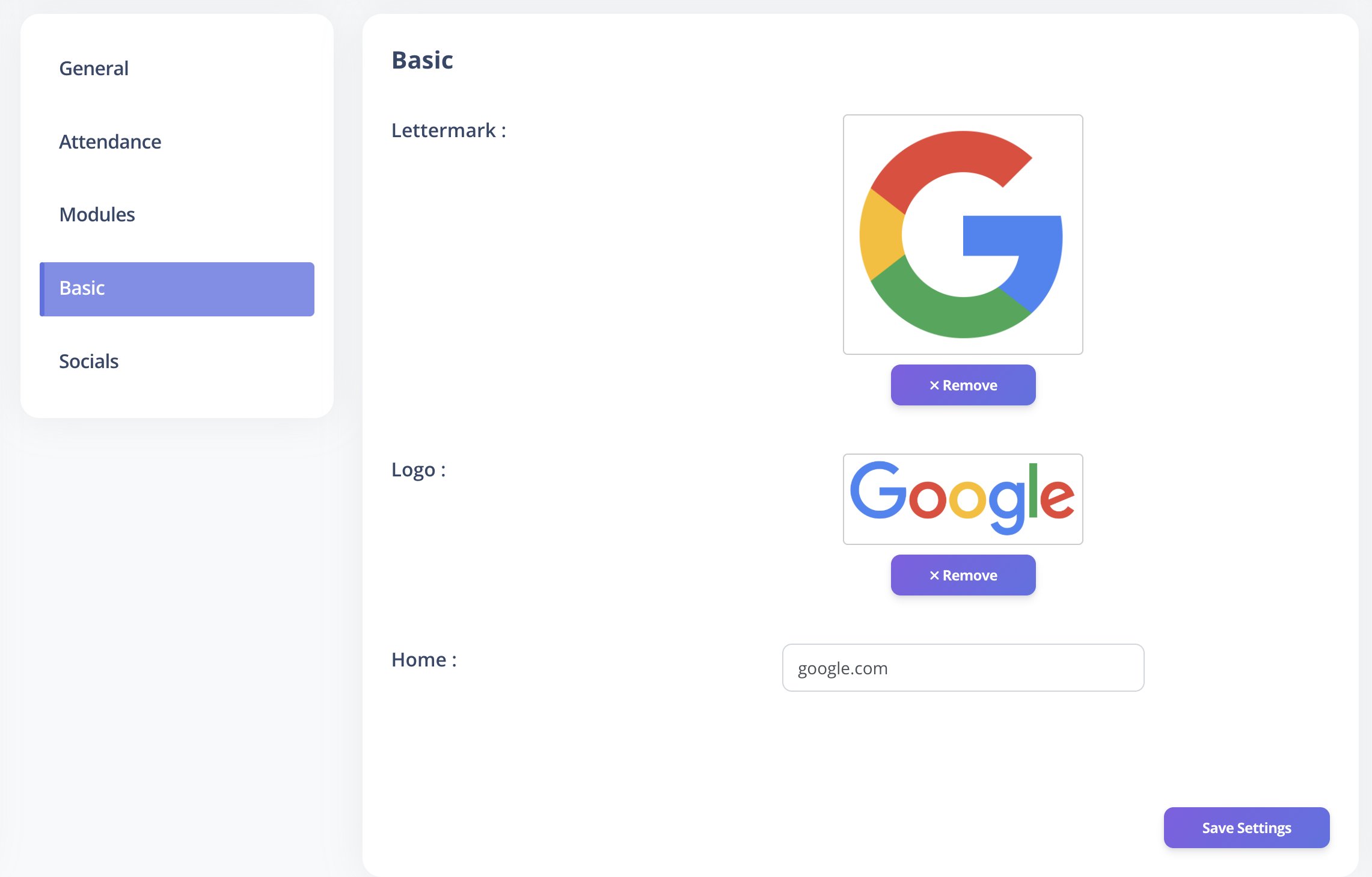
How to Update Basic Settings
- Log in to CloudHR as an Admin.
- Navigate to Settings → Basic.
- Update the lettermark, logo, or home URL.
- Click Save to apply changes.
Best Practices
- Use a consistent lettermark across all communication channels.
- Upload a high-resolution logo to maintain branding standards.
- Ensure the Home URL directs users to the correct landing page in the app.