Dashboard Overview
The Dashboard provides a real-time snapshot of employee activity, attendance insights, upcoming events, and workforce analytics.
It is designed to give users quick visibility into daily operations and important updates.
Key Components
Web Check-In Bar
Allows users to check in and check out directly from the dashboard.
For more information go to Checkin-In
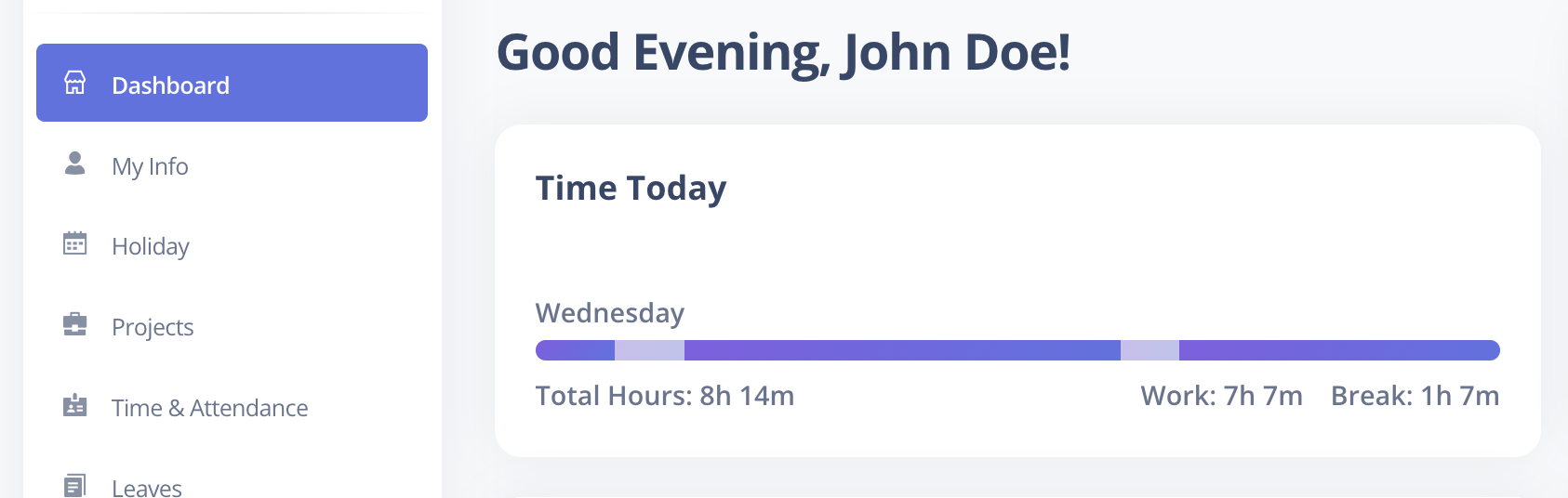
Attendance Timings Card
Displays:
- Total hours worked
- Break hours
- Daily attendance summary
Holidays Card
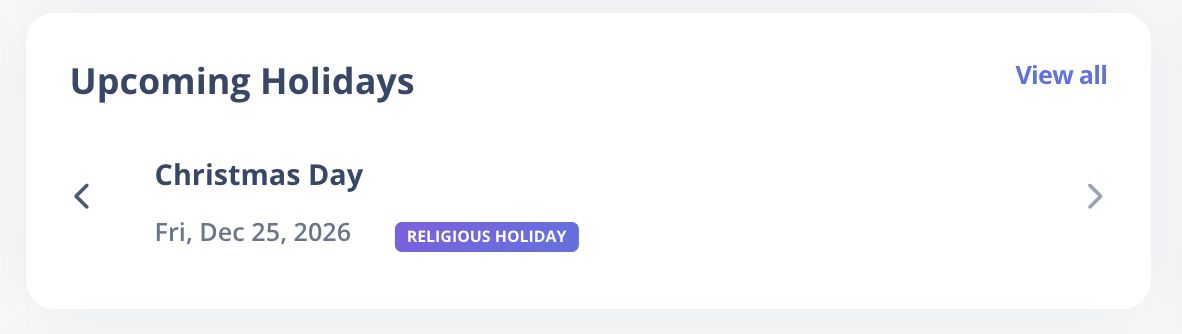
Shows upcoming holidays with an option to:
- View all holidays
- Toggle between upcoming and previous years
Leave Balance Card
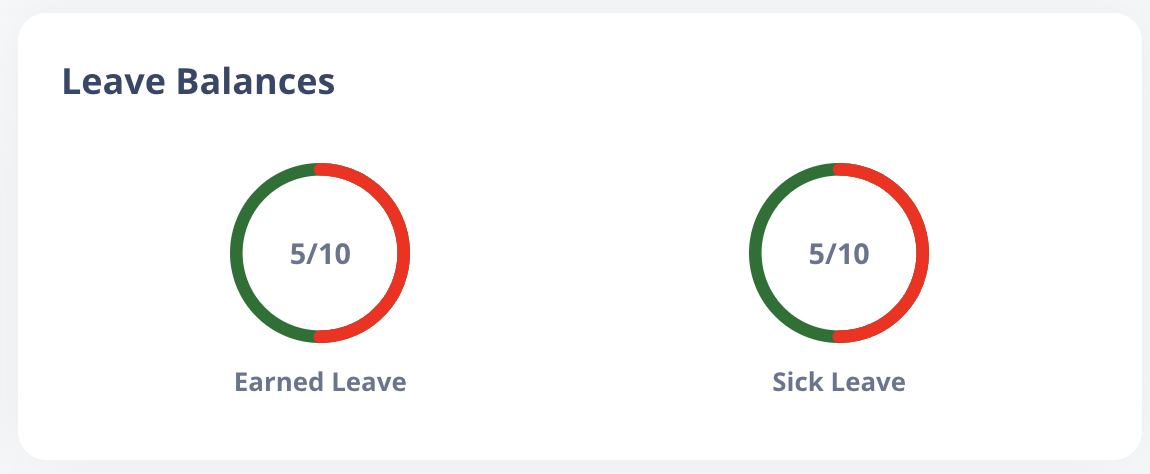
Displays:
- Total leave allocated for the year
- Current leave balance
- Circular progress visualization of leave usage
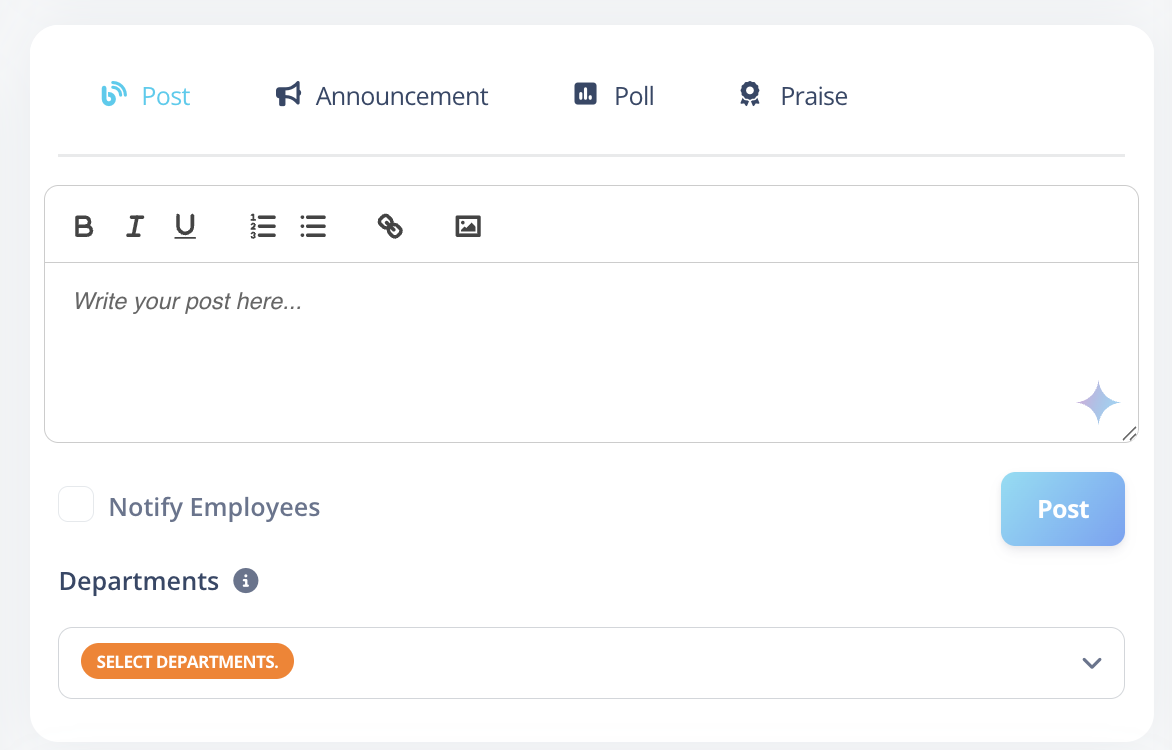
Engage Section
Includes:
- Create posts, announcements, polls, and praise
- View latest engagement activity
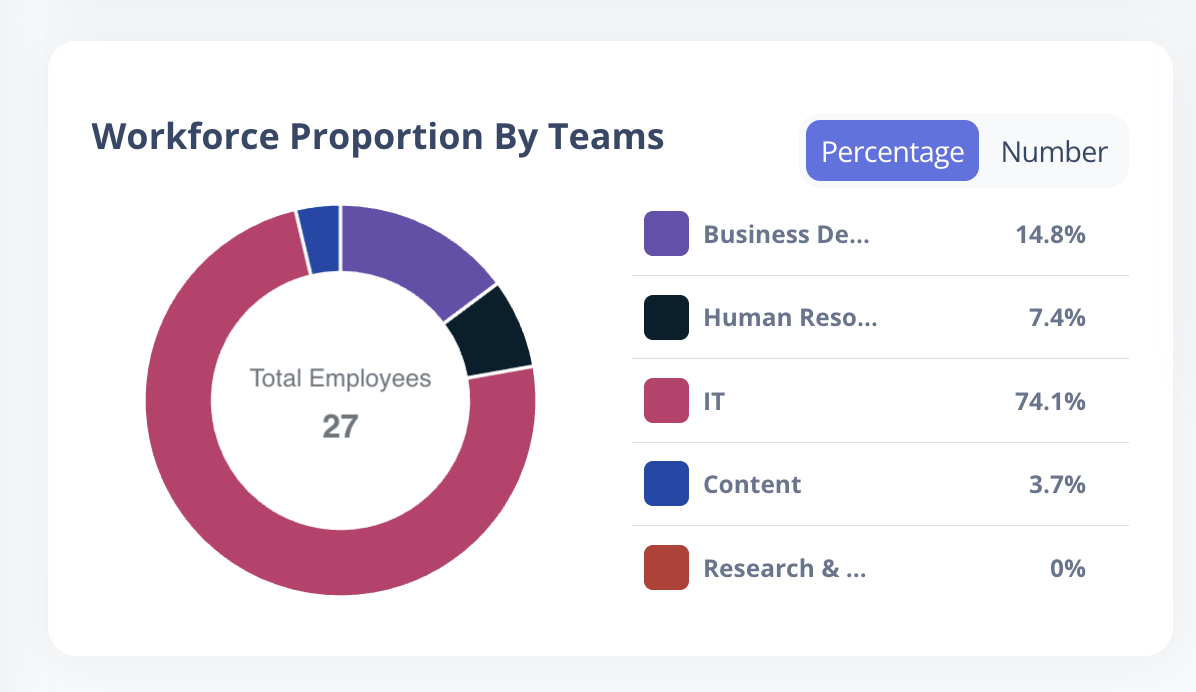
Workforce Proportion by Teams
Visual representation of workforce distribution across teams.
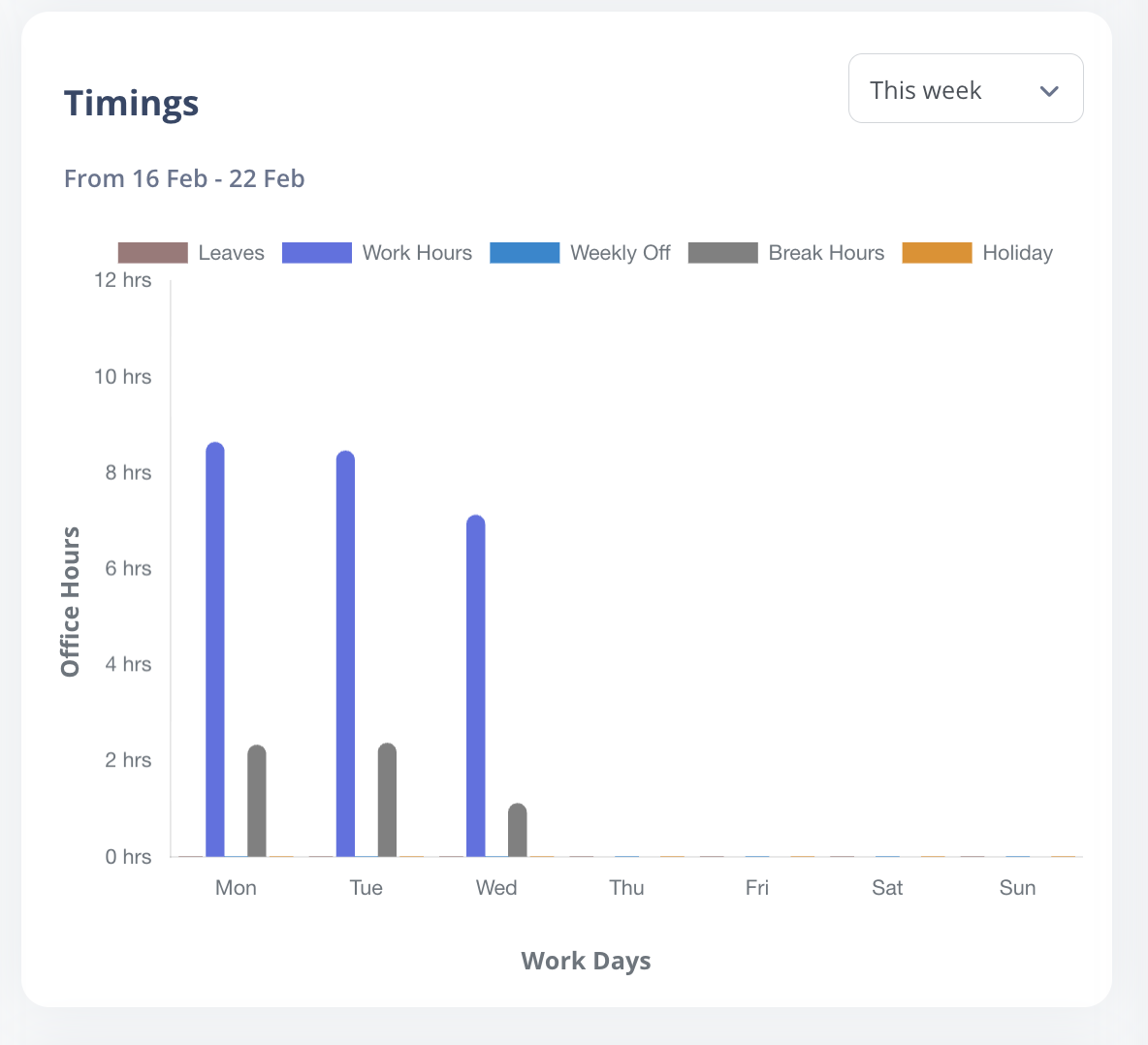
Timings Chart
Bar chart showing total hours worked. Users can toggle between:
- Weekly
- Monthly
- Last Month
- Individual users
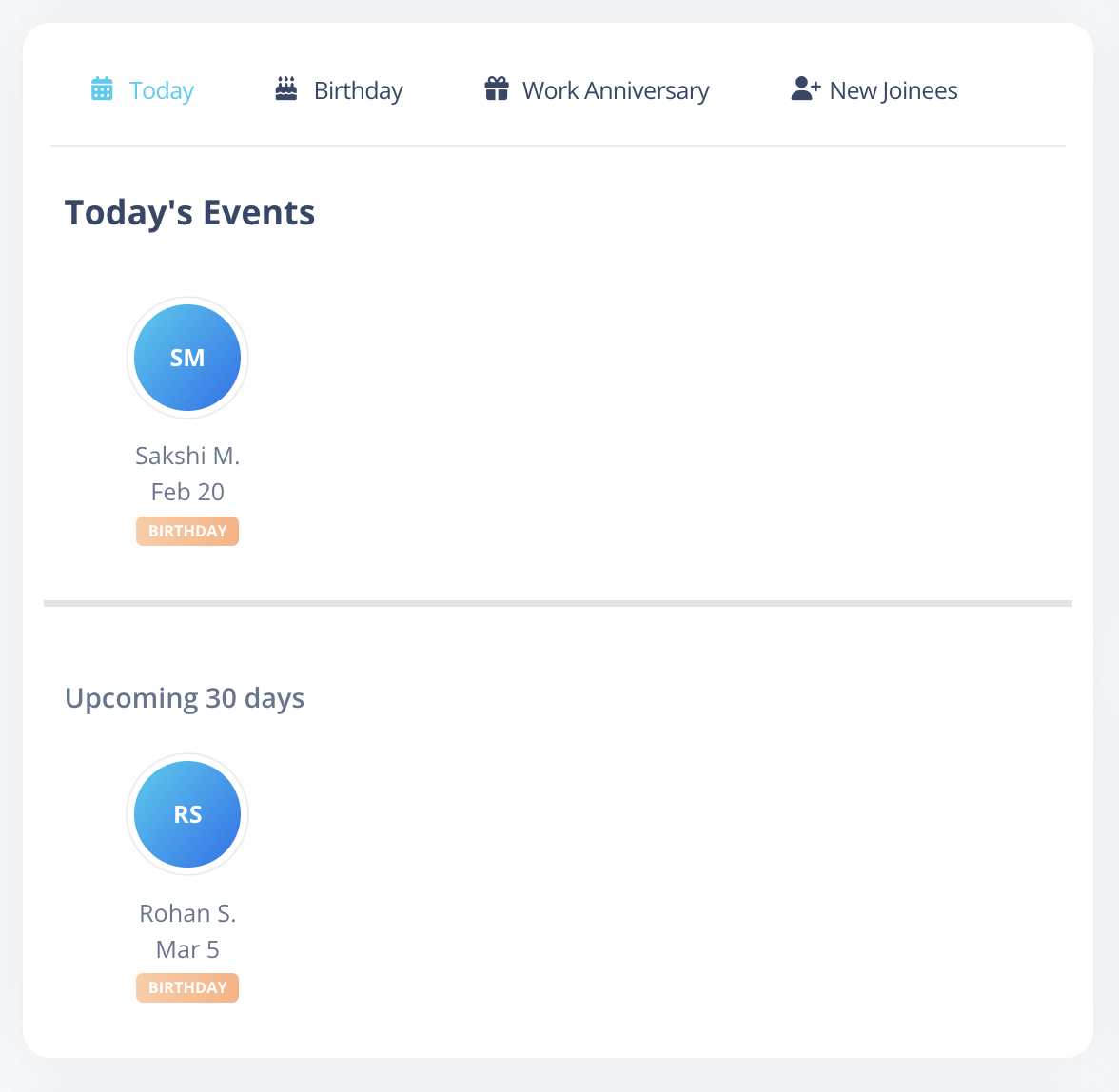
Events Card
Highlights:
- Birthdays
- Work Anniversaries
- New Joinees
- Today's Events
Leaves Overview
Displays:
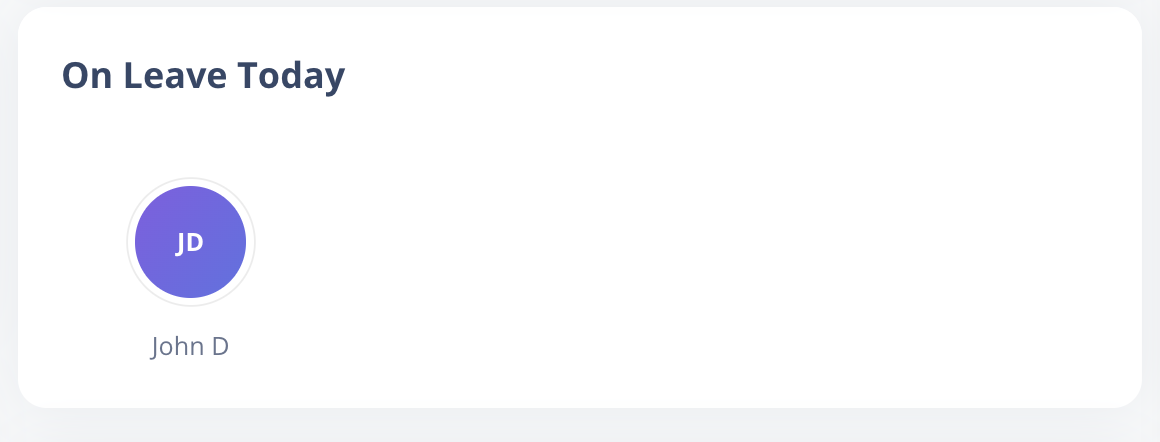
- Employees on leave today
- Upcoming leaves within the next 30 days