Attendance Summary
Overview
The Attendance Reports section in CloudHR provides a comprehensive summary of employee attendance for a selected period. It includes detailed insights such as working days, present and absent days, holidays, weekly offs, total working hours, break hours, and more.
This report helps HR teams:
- Monitor employee attendance trends
- Ensure payroll accuracy
- Analyze workforce productivity
- Review compliance with working schedules
Navigation
- Go to Reports from the main menu.
- Click on Attendance Reports.
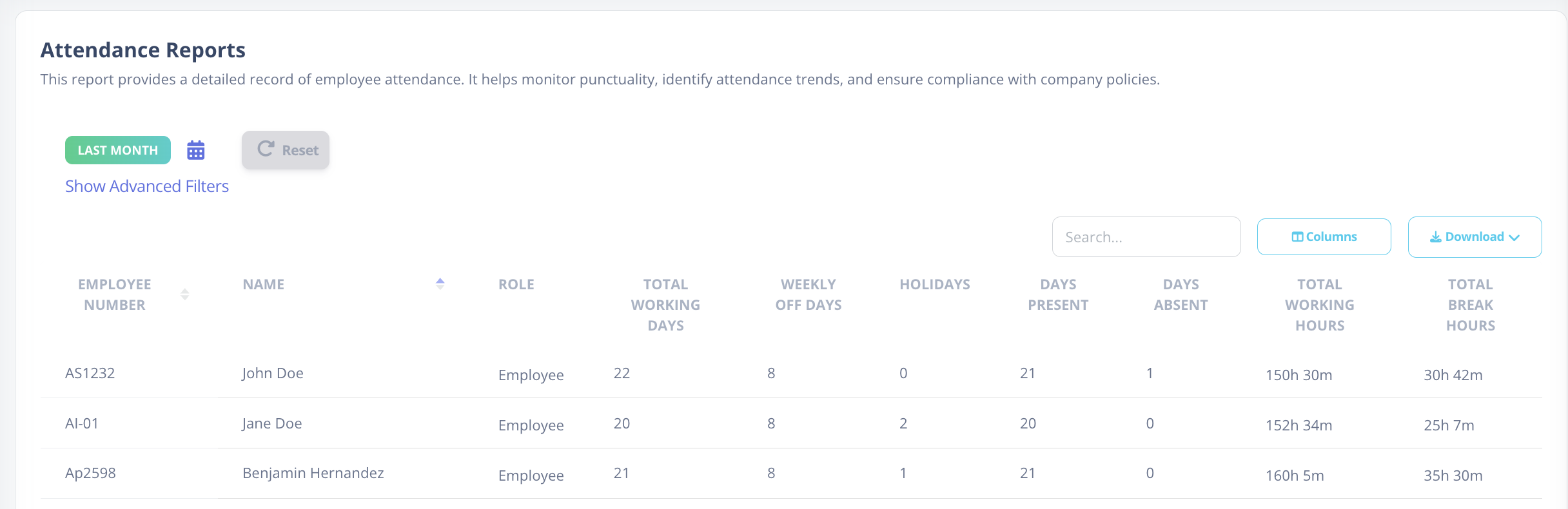
Top Filter Options
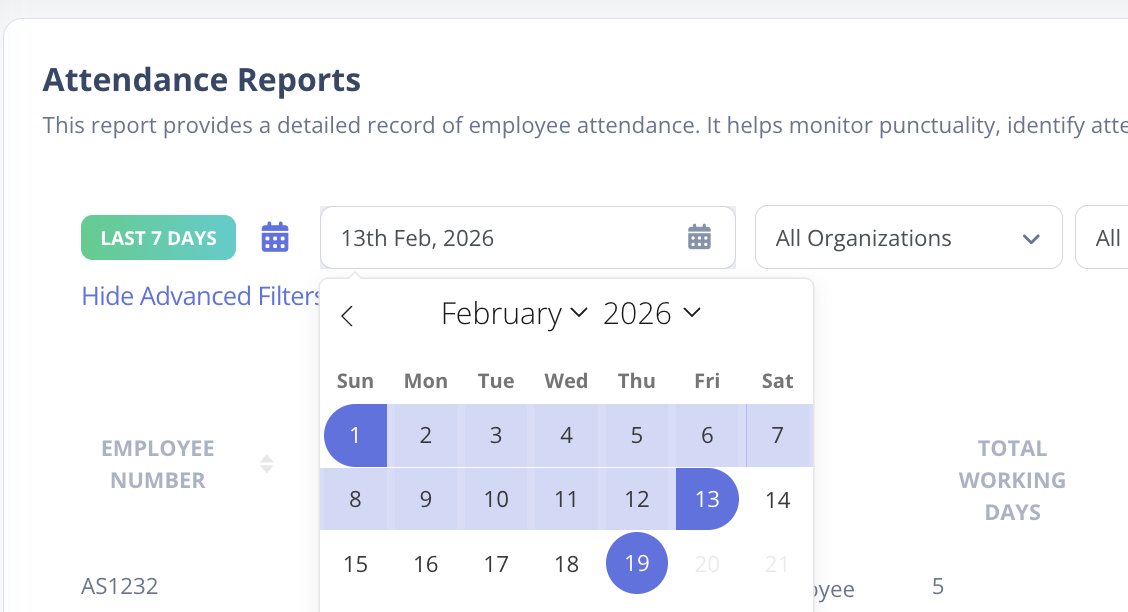
- Date Filter
Select a specific month or define a custom date range.
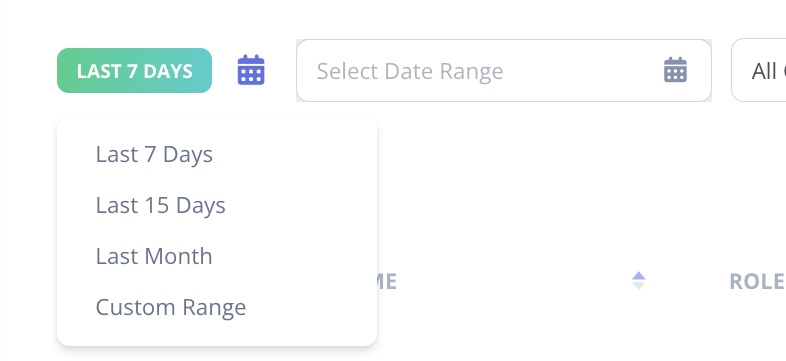
- Open Dropdown
Choose predefined periods such as This Month, Last Month, etc.
-
Reset
Clear all applied filters and reload the default report view. -
Search Bar
Search employees by Name, Employee ID, Department, and more.

- Advanced Filters
Further refine results by:- Organization
- Department
- Location

Column Settings & Customization
- Click on the Columns button next to the Search Bar.
- Select or deselect columns based on your preference.
Additional available columns include:
- Location
- Business Unit
- Department
- Role
- And other configurable fields
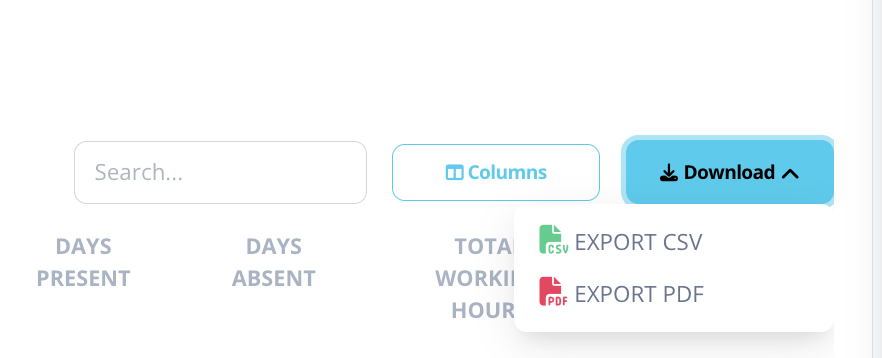
Download Option
- Click the Download icon to export the report.
- Reports can be downloaded in:
- Excel format
- PDF format
Explanation of Columns
-
Employee Number
Unique employee ID within the organization. -
Name
Full name of the employee. -
Total Working Days
Total official working days within the selected period. -
Weekly Off
Number of weekends or regular weekly off days. -
Holidays
Public or company-declared holidays during the period. -
Days Present
Number of days the employee was marked present. -
Days Absent
Days the employee was absent and not on approved leave. -
Total Working Hours
Total accumulated working hours during the period. -
Total Break Hours
Total hours logged as break time.