Designations
Designations define employee job titles within a department in CloudHR.
They help structure your workforce hierarchy and reporting structure.
What is a Designation?
A Designation represents a job title within a department.
Examples:
- HR Executive
- Senior Software Engineer
- Sales Manager
- Accountant
- Operations Lead
How to Create a Designation
- Log in to CloudHR.
- Navigate to Organization.
- Click Designations.
- Click Add Designation.
- Select the Department.
- Enter designation details.
- Click Save.
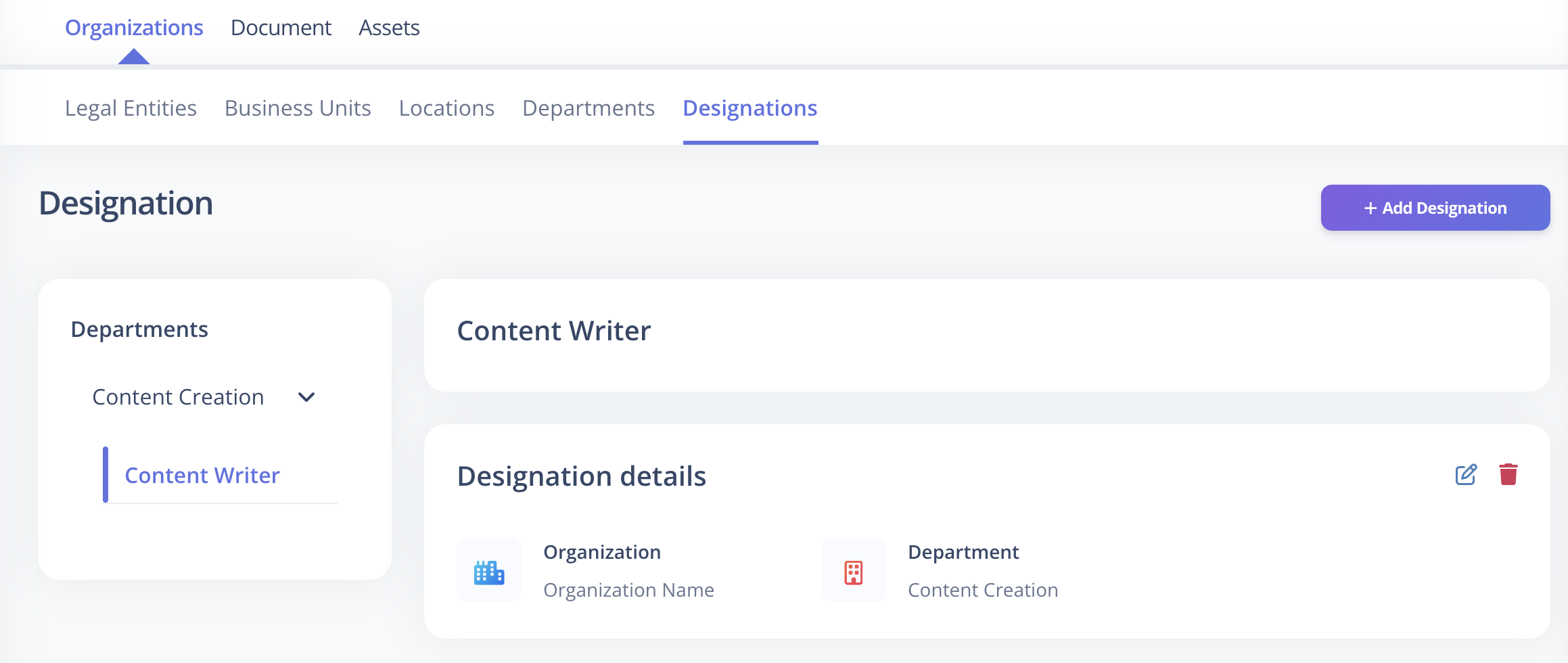
Required Fields
The following fields are mandatory:
| Field | Description |
|---|---|
| Name | Must be unique within the same Department |
| Department | Select the associated Department |
| Organization | Select the associated Legal Entity |
Optional Fields
These fields can be configured now or updated later:
| Field | Description |
|---|---|
| Description | Additional details about the designation |
Important Rules
- Designation names must be unique within the same Department.
- A Designation can be linked to a Department for better structuring.
Best Practices
- Keep naming consistent across departments.
- Avoid overly generic titles.
- Maintain a structured hierarchy.