Business Units
Business Units help you divide your organization into operational segments such as departments, divisions, or branches.
In CloudHR, every Business Unit must be linked to a Legal Entity. This ensures proper employee structuring, reporting, and payroll mapping.
What is a Business Unit?
A Business Unit represents a functional or operational segment within a Legal Entity.
Examples:
- Sales Division
- Engineering Department
- Marketing Team
- Regional Branch (e.g., Mumbai Office)
Before You Create a Business Unit
Make sure:
- At least one Legal Entity is already created.
- You know which Legal Entity this Business Unit belongs to.
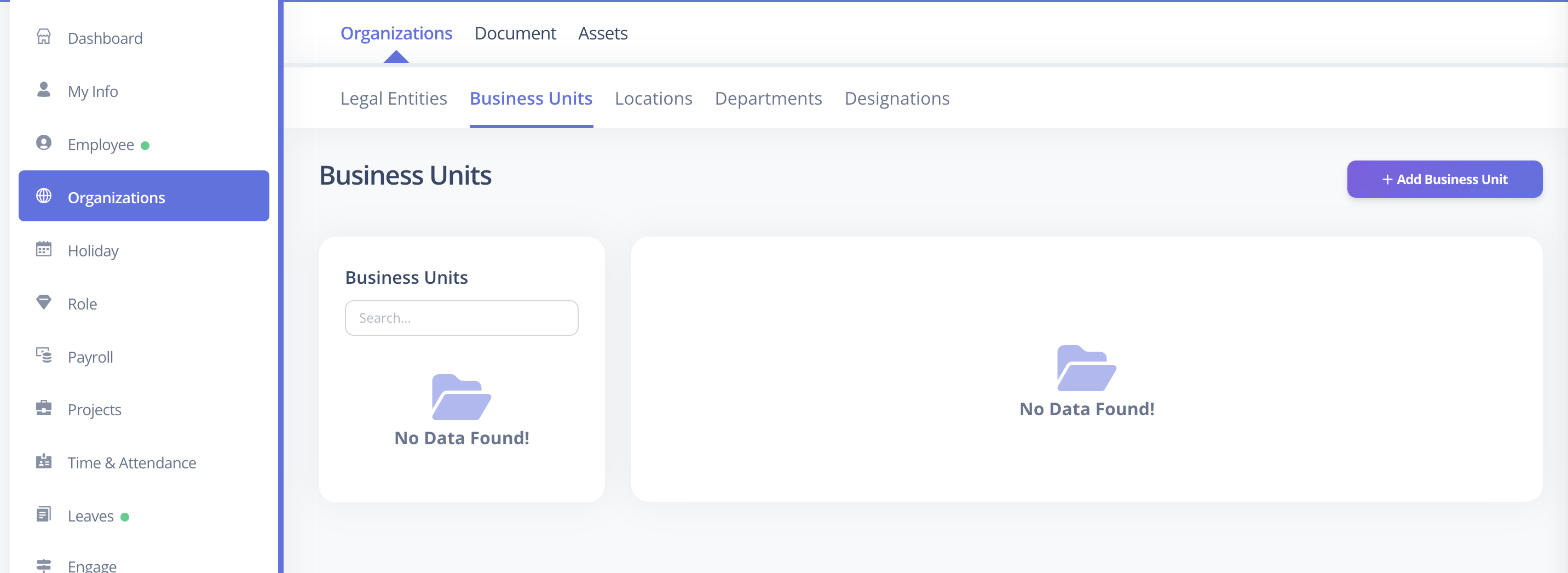
How to Create a Business Unit
- Log in to CloudHR.
- Navigate to Organization.
- Click on Business Units.
- Click Add Business Unit.
- Fill in the required details.
- Click Save.
Required Fields
The following fields are mandatory:
| Field | Description |
|---|---|
| Name | Must be unique within the same Legal Entity (Organization) |
| Legal Entity (Organization) | The organization this Business Unit belongs to |
| Official contact email for the Business Unit |
Optional Fields
These fields can be configured now or updated later:
| Field | Description |
|---|---|
| Description | Additional details about the Business Unit |
Important Rules
- Business Unit names must be unique within the same Legal Entity.
- Each Business Unit must be linked to a valid Legal Entity.
- Email must be in a valid email format.
Best Practices
- Use clear and standardized naming conventions.
- Align Business Units with your reporting structure.
- Avoid creating duplicate or overlapping units.
Related Setup
Before assigning employees to a Business Unit, ensure:
- Legal Entities are properly configured.
- Departments and Designations are defined.