Exits Module
The Exits Module manages the complete employee exit lifecycle, including:
- Exit request approvals
- Exit workflow configuration
- Approval chain setup
- Pending exit tracking
This ensures structured and compliant employee separation processes.
Module Structure
The Exits module contains 2 tabs:
- Requests
- Configurations
Tabs are dynamically displayed based on:
- User permissions
- Pending exit approvals count
1️⃣ Exit Requests Tab
This tab shows:
- Pending exit approvals
- Exit requests awaiting action
- Exit request details
If there are pending approvals:
- A badge count appears on the tab
Exit Request Flow
- Admin/Hr initiates exit
- Request enters approval chain
- Approvers review request
- Final status becomes:
- Approved
- Rejected
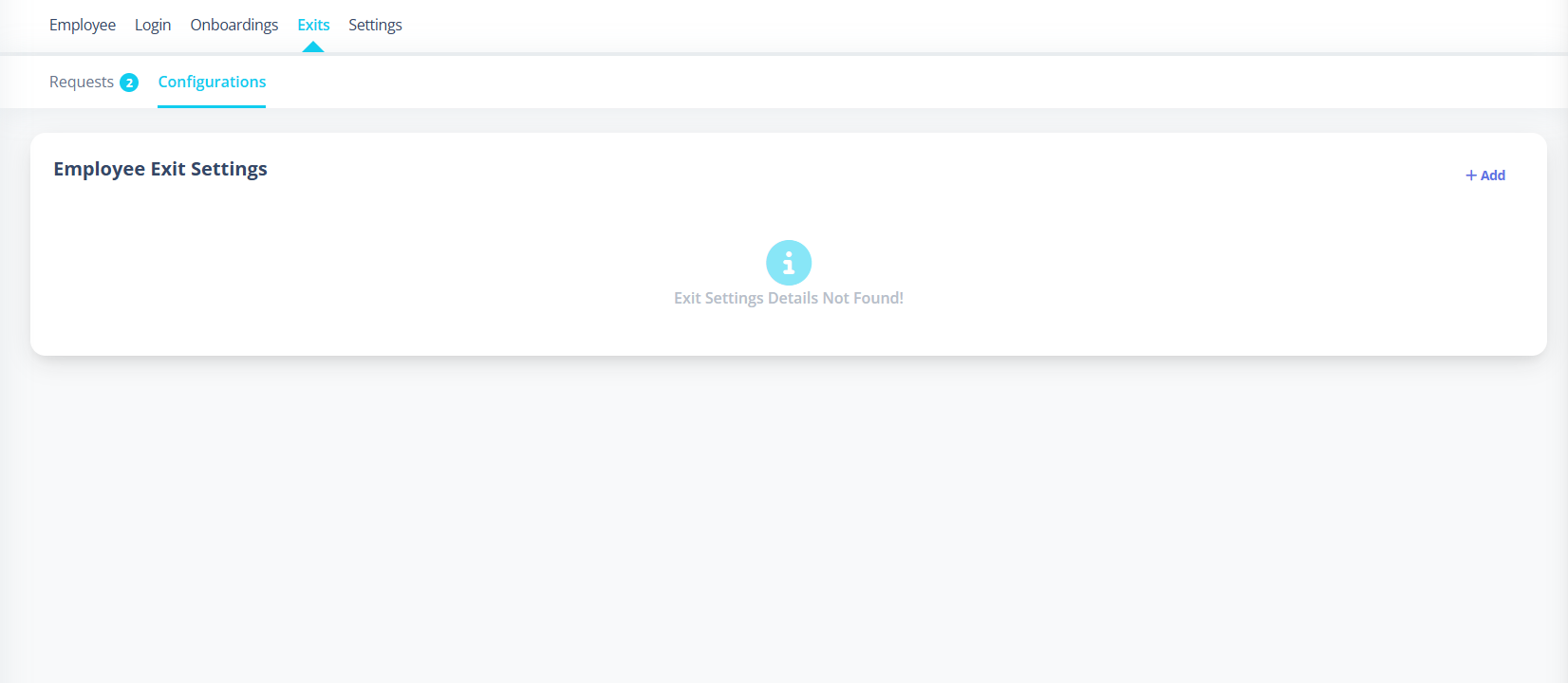
2️⃣ Exit Configurations Tab
This tab manages exit workflow settings.
What It Displays
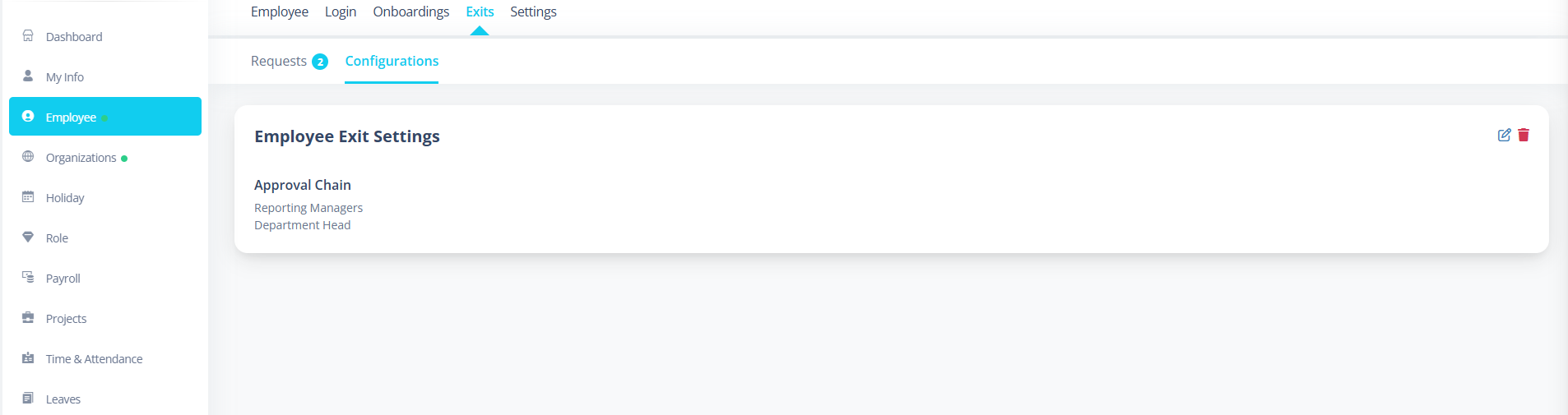
- Approval Chain
- Exit Settings Details
Example:
Approval Chain:
- Admin/HR are added by default
- Reporting Manager
- Departmental Head
- Any New Role Created from Roles Tab
Add Exit Configuration
Steps:
- Click Add
- Define approval chain
- Save configuration
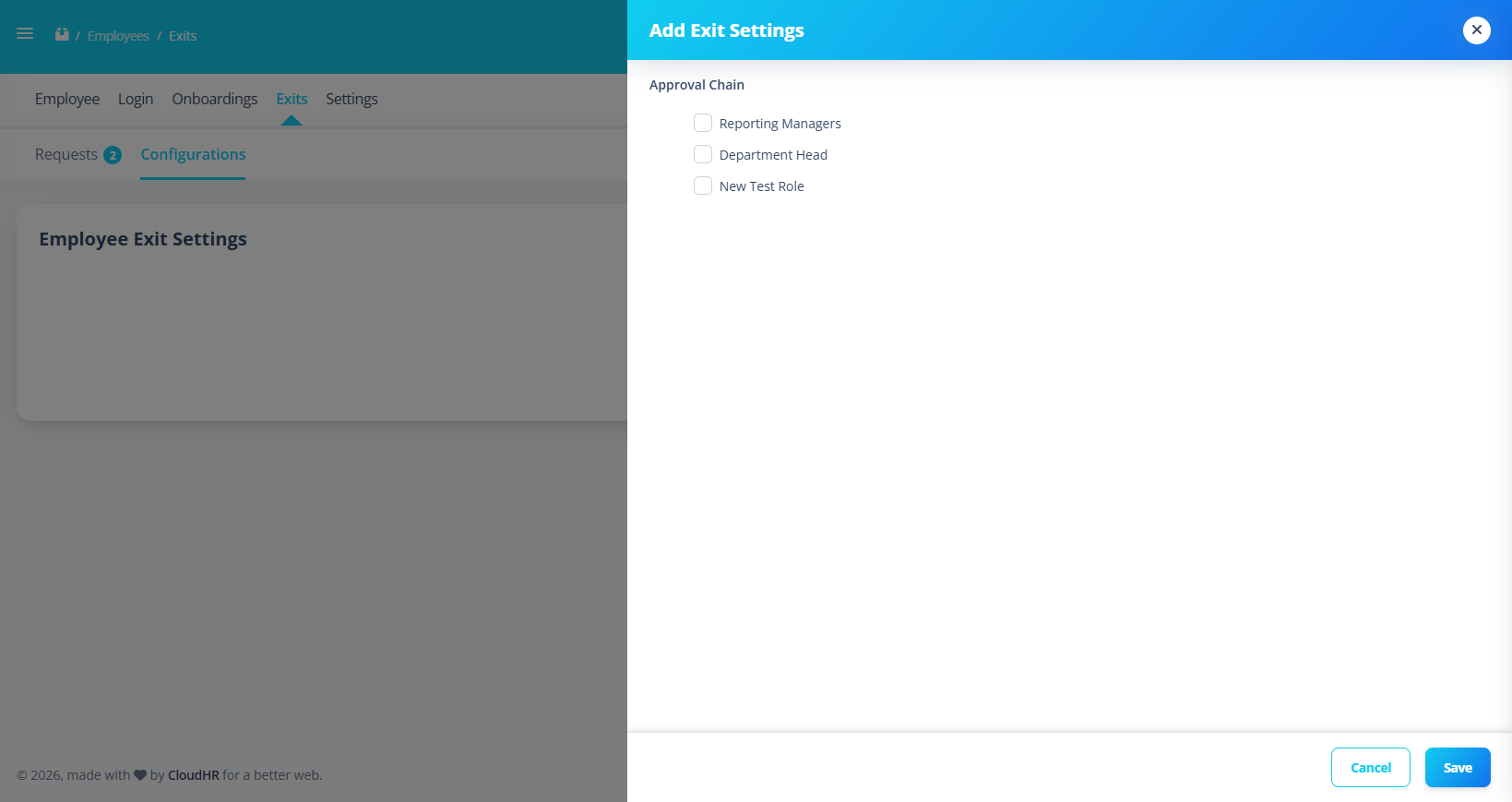
Only one active configuration is allowed.
Edit Exit Configuration
Allows:
- Updating approval chain
- Modifying workflow order
Delete Exit Configuration
Process:
- Click Delete
- Confirm deletion
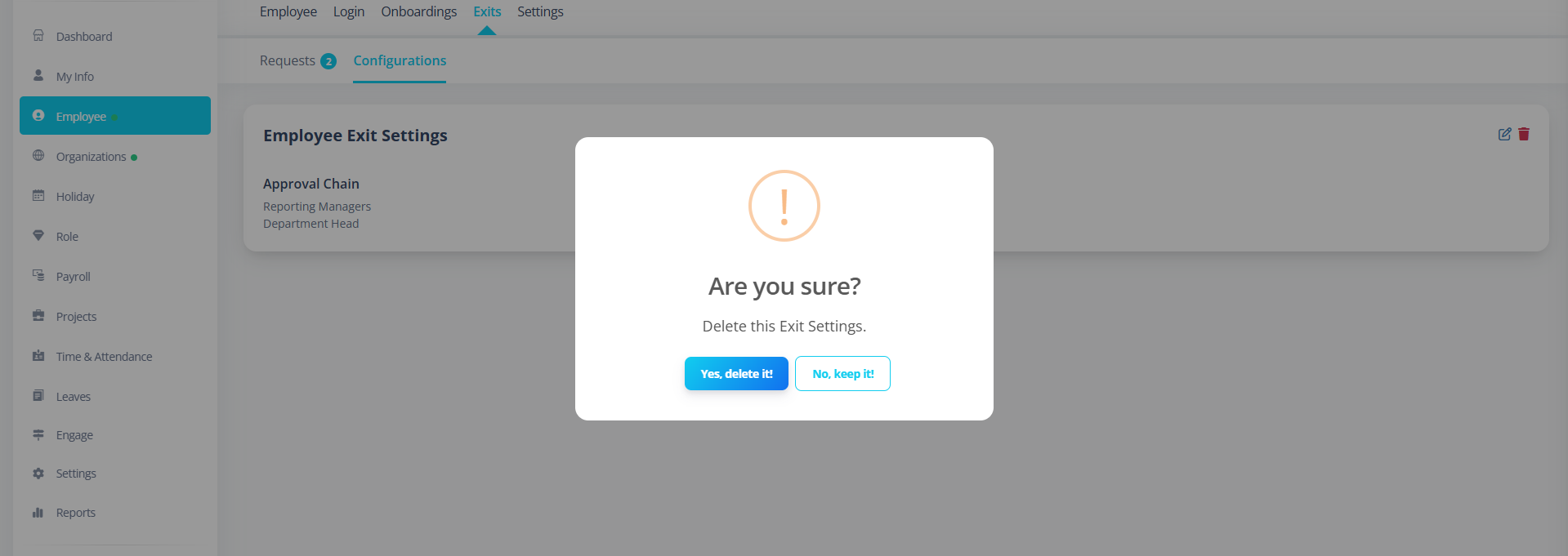
- Configuration removed
Common Issues
| Issue | Cause |
|---|---|
| Requests tab not visible | No permission + no pending approvals |
| Cannot add configuration | Missing permission |
| Approval chain not working | Configuration not created |
| Badge count not updating | Approvals count not refreshed |
First-Time Setup Guide
To enable Exit Module:
- Create Exit Configuration
- Define approval chain
- Save configuration
Best Practices
- Keep approval chain simple
- Review exit approvals regularly
- Avoid deleting configuration during active exits
Summary
The Exits Module ensures:
- Structured employee exit workflow
- Approval-based separation process
- Permission-controlled access
- Real-time approval tracking
- Centralized exit configuration management