Profile Image
You can update your profile image from your profile page.
How to Change Profile Image
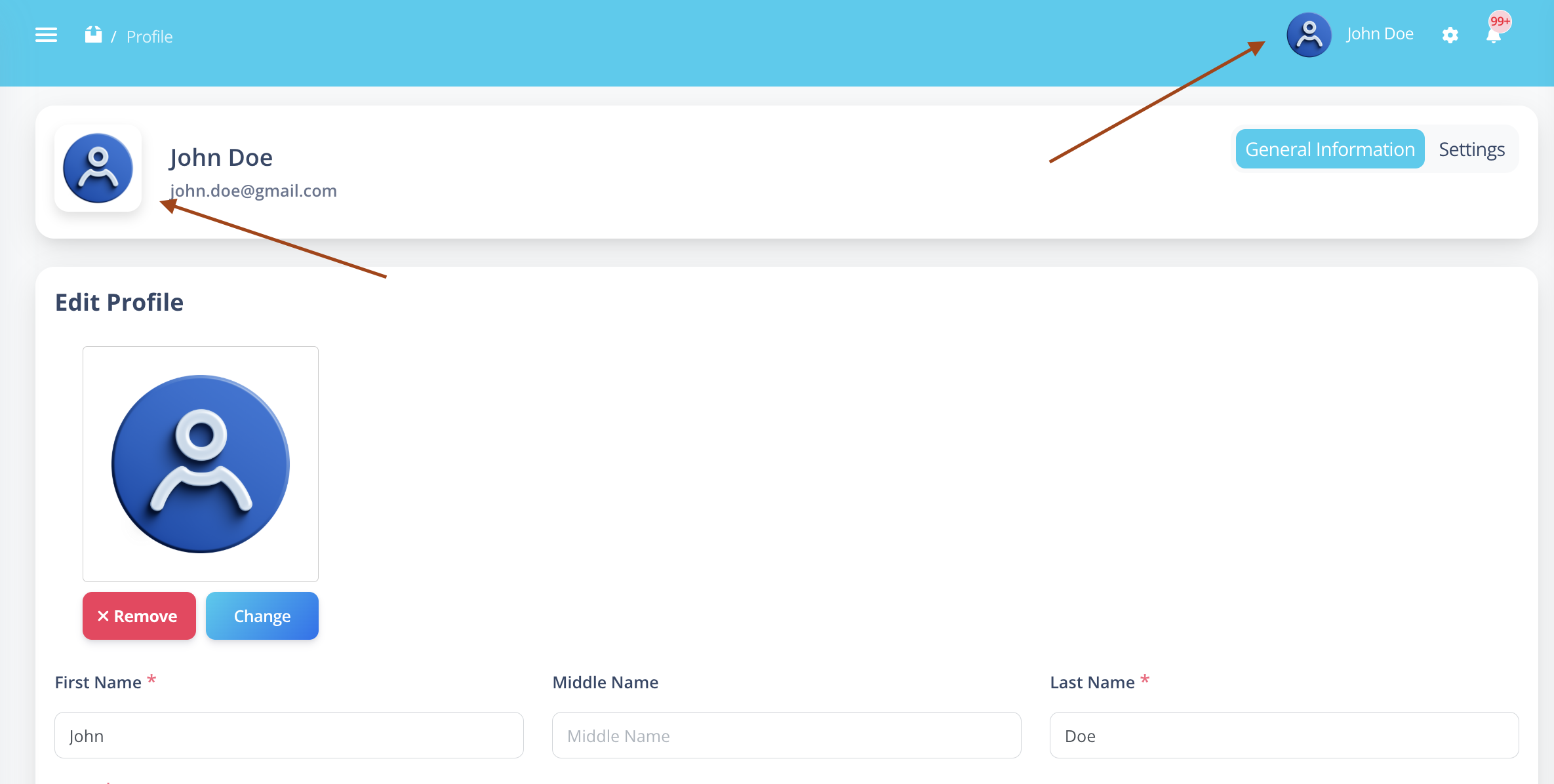
Step 1: Open My Profile
- Click your name in the top-right navigation bar.
- Select My Profile.
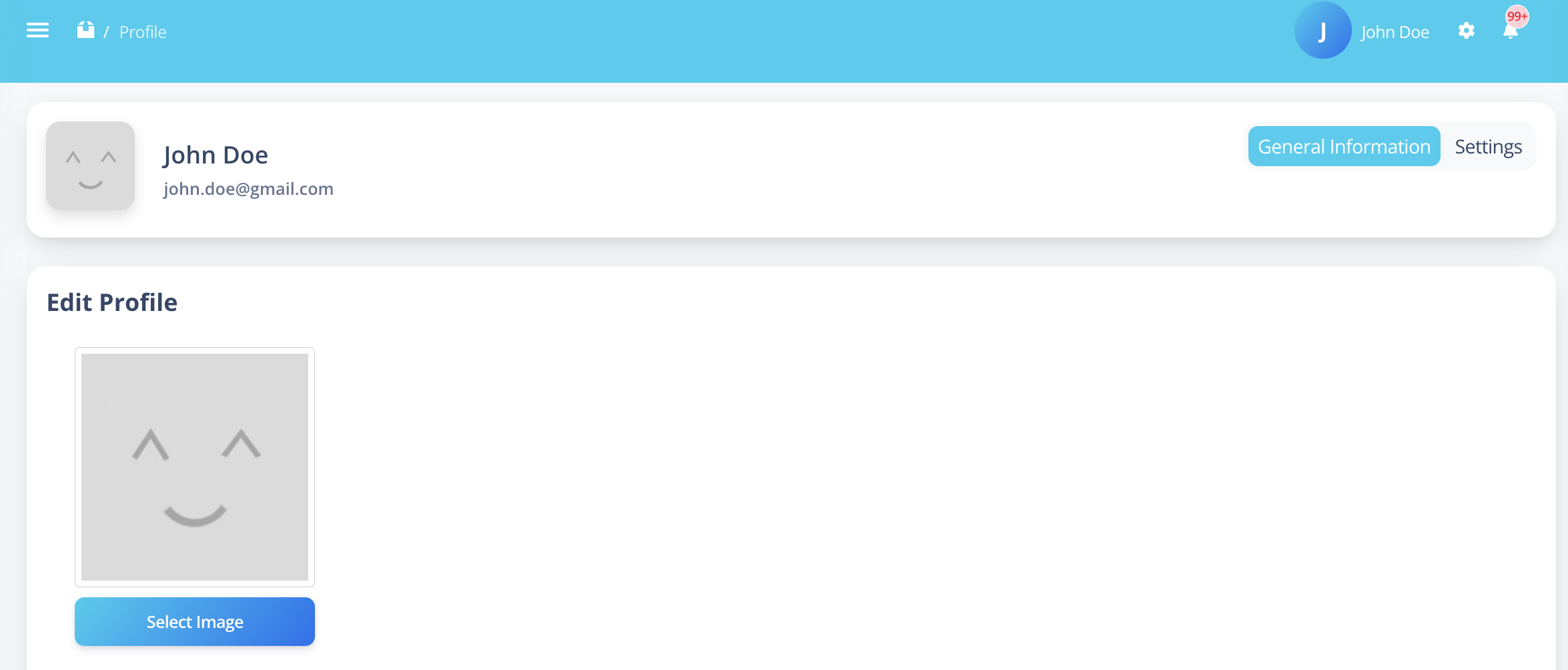
Step 2: Select Image
- Click on the Select Image option.
- A file upload popup will open.
- Choose your desired profile image.
- Click Open.
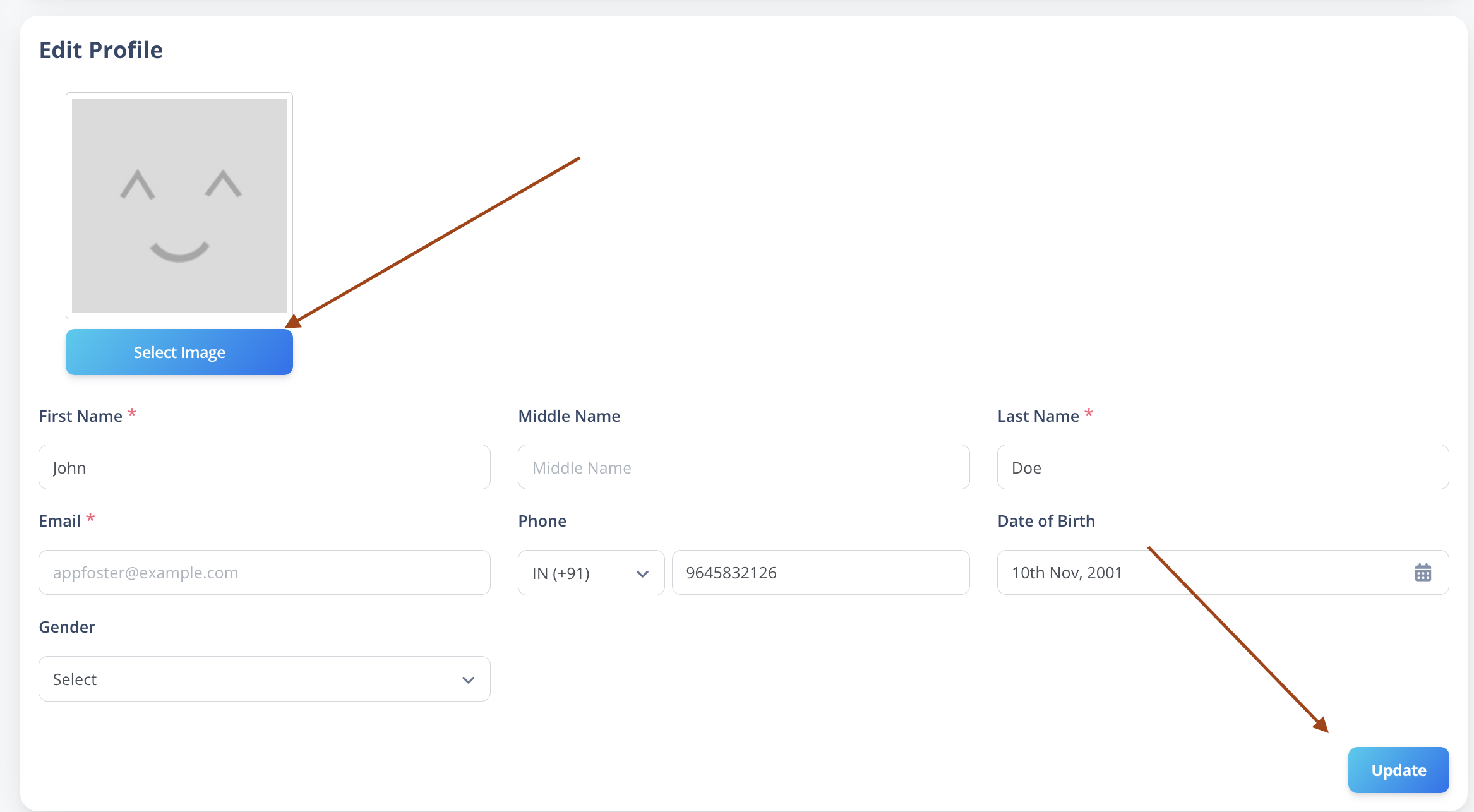
Step 3: Confirm Update
Once selected:
- Your profile image will be updated.
- The new image will be visible immediately in the top navigation bar.